Technology Tuesday #5 ~ Toddlers and Technology

technologytuesdaylinkupbanner

279810_10150253607994656_7403198_o

I have been asked what technology we allow Pixie to use. To be honest, she has access to all the technology in the home. We are very picky as to what we install on the PC’s, smart phones and tablet, so everything she uses is age appropriate.You can view our favourite Android applications HERE.

We are still using Zoodles for all the kidlets. Though the older 3 prefer to either work on their PC or the Wii, they still occasionally ask to play on the tablet. We do not have Zoodles on the kids’ PC because it doesn’t support Linux. More on our choice of Linux for the Kidlets’ PC later.

Zoodles Features

Kids Features:

Zoodles Apps (for every device)
Zoodles has an app available for your Mac, PC, iPhone, iPod Touch, iPad, and Android. We help them have fun learning while keeping your device safe. (Free)

Personalized Play
Every child has their own personal Playground, which they can access just by clicking on their picture. (Free)

Child Friendly Interface
Our simple interface makes it easy for kids to play independently. No more URL bars or crazy navigation bars. (Free)

Age Appropriate Content
All our content adapts to your child’s age and skill level, so they are always playing and learning at the highest level. (Free)

Games (Fun and Educational)
Zoodles has thousands of fun, educational games that are always changing so your child never gets bored. (Free)

Videos (Fun and Educational)
Our educational videos cover a wide variety of fun topics, like dinosaurs, counting, geography, and more. (Free)

Storybooks
Foster a love of reading in your child by giving them digital storybooks that have been read to them by loved ones. Special Feature (Free + Premium offerings)

Art Studio
Kids can create their own unique drawings, without the mess or hassle! Special Feature (Free + Premium offerings)

Video Mail
Video messages from family are sent straight to your child’s Playground, a great way to stay in touch! (Premium Feature)

Parent Features:

Parent Dashboard
Visit the Parent Dashboard to learn about your child and customize Zoodles to meet your family’s needs. (Free)

Child-Centric Navigation
Focus on one child at a time as you learn about their interests and customize their Playground. (Free)

Helpful Insights
See the sites and subjects your child’s been spending time playing and learning in. (Free)

Content Ratings + Reviews
Every game has been played through in its entirety by our team of educational experts, and rated on how engaging and educational it is. (Free)

Promote Subjects
Promote games teaching the subjects that matter most to your family. (Premium Feature)

Parent Play-Along mode
For parents that like to play by their child’s side, Parent Play Along mode gives you full access to sites and more freedom to guide your child’s experience. (Free)

Record Stories
Choose from classic stories and record a reading for your child. Great for distant family members. Special Feature (Free + Premium offerings)

Art Gallery
All your child’s drawings are automatically saved to an art gallery where you can share them with friends and family. Special Feature (Free + Premium offerings)

Family Connect
We help family members stay in touch through Family Connect, where kids and family members come together! Special Feature (Free + Premium offerings)

Set Time Limits
Control how long your kids can play with the Zoodles Play Timer. (Premium Feature)

Limit Violence
Our comprehensive rating system gives parents superior control over how much violence their children are exposed to. (Premium Feature)

Block Sites and Characters
Remove games from your child’s Playground that annoy you because of a particular site or character. (Premium Feature)

Add Sites
Add in your family’s favorite sites or services, so everything your child needs is inside Zoodles. (Premium Feature)

I would like to invite you all to link up your technology related posts. Be it games, blogging advice/resources, technology based learning or reviews, etc. The only requirements are that the post focuses on technology and is family friendly.

technologytuesdayfeatured

This is a post about why – and how – we let our kids (3 and 5) spend up to three hours at a stretch playing with smart phones. I know! I totally shouldn’t admit that in public. Guidelines say no more than thirty to sixty minutes a day or they’ll grow up to be myopic, couch-dwelling drones, cut off from life and reality. What about poorly-developed social skills, lost learning opportunities, and their eyes, oh their eyes!

This is a post about why – and how – we let our kids (3 and 5) spend up to three hours at a stretch playing with smart phones.
I know! I totally shouldn’t admit that in public. Guidelines say no more than thirty to sixty minutes a day or they’ll grow up to be myopic, couch-dwelling drones, cut off from life and reality. What about poorly-developed social skills, lost learning opportunities, and their eyes, oh their eyes!

monstered_sig


technologytuesdaylinkupguidlinebutton

Welcome! Please make sure to link directly to your post (not your main blog page) so we can find the fabulous post you want to share. Each week we will select someone’s blog link up that our readers “clicked” with the most and share some of my favourite posts that were linked up!
Monsters Ed Technology Tuesday

Please make sure to display our Technology Tueday Button button on your blog post, sidebar or tabs. This button can be found on the Technology Tuesday post each week. Kindly make sure to visit some of the other wonderful bloggers who have linked up here.

Were you featured on our Technology Tuesday post? Congratulations! Grab a Featured button to proudly display on your blog or website.
Thank you!

Monsters Ed Technology Tuesday

We invite everyone to get “clicking” and have some blog hopping fun!

We have created a Pinterest Board so that we can help spread the word on the blog’s that have had featured posts on our Techology Tuesday posts. Make sure to stop by and check it out HERE.

Please share your family friendly posts with us!

By linking up you agree that if your blog post is selected to be featured on any of our hosts’ blogs that we can use an image from your post with a link back to your post.

technologytuesdayprevious posts

#1 ~ DIY Windmills: Tutorial
#2 ~ K5Learning Review
#3 ~ Time4Learning Review
#4 ~ How is Technology used in our homeschool?

Privacy and Disclosure

Technology Tuesday #4 ~ Computer, keyboard and peripheral information for children

technologytuesdaylinkupbanner

Papa Steve is a software engineer, ie computer programmer, and Koko has been very interested in what he does at work. Recently Papa started teaching Koko how to program on a simple, and free, Linux program called KTurtle.

In a bid to help Koko, and the other children, learn the correct PC jargon, I decided to download a few resources to make the learning process easier. My children are all visual learners to a certain extent, so this is working well.
ICT topic word cards

Computer keyboard sheets

ICT resource labels
ICT resource labels

I will ask Papa Steve to do a write up on exactly what he is doing with Koko during the lessons. Programming is definitely not one of my strong suits.

I would like to invite you all to link up your technology related posts. Be it games, blogging advice/resources, technology based learning or reviews, etc. The only requirements are that the post focuses on technology and is family friendly.

technologytuesdayfeatured

monstered_sig


technologytuesdaylinkupguidlinebutton

Welcome! Please make sure to link directly to your post (not your main blog page) so we can find the fabulous post you want to share. Each week we will select someone’s blog link up that our readers “clicked” with the most and share some of my favourite posts that were linked up!

Monsters Ed Technology Tuesday

Please make sure to display our Technology Tueday Button button on your blog post, sidebar or tabs. This button can be found on the Technology Tuesday post each week. Kindly make sure to visit some of the other wonderful bloggers who have linked up here.

Were you featured on our Technology Tuesday post? Congratulations! Grab a Featured button to proudly display on your blog or website.
Thank you!

Monsters Ed Technology Tuesday

We invite everyone to get “clicking” and have some blog hopping fun!

We have created a Pinterest Board so that we can help spread the word on the blog’s that have had featured posts on our Techology Tuesday posts. Make sure to stop by and check it out HERE.

Please share your family friendly posts with us!

By linking up you agree that if your blog post is selected to be featured on any of our hosts’ blogs that we can use an image from your post with a link back to your post.

technologytuesdayprevious posts

#1 ~ DIY Windmills: Tutorial
#2 ~ K5Learning Review
#3 ~ Time4Learning Review
Privacy and Disclosure

Totschool with Pixie this week

totschool banner

~Pixie is 32 months old~

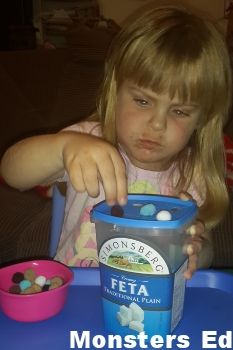
Pixie is LOVING Tot school. We worked on this week’s trays after her afternoon nap when she is refreshed and the big kids are all done with their lessons and are outside playing. Her favourite is the pompom, fine motor skill tray. She played with it numerous times this week and I’ll be keeping this activity on her shelf next week.

 photo 20140423_165828_zpsgzhdqijb.jpg

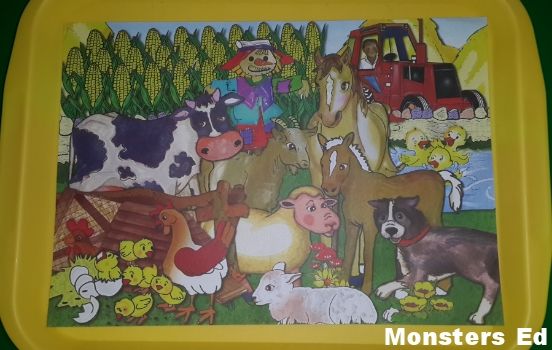
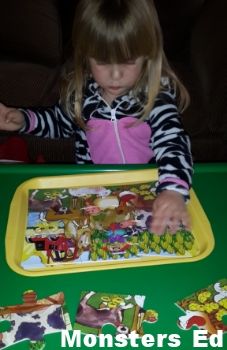
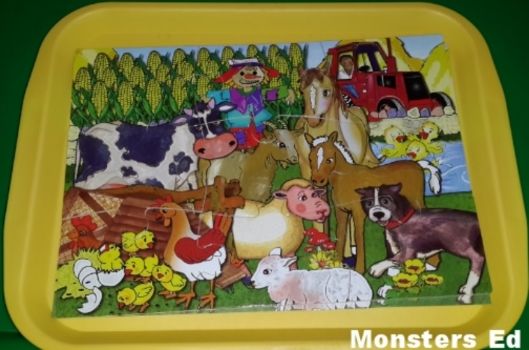
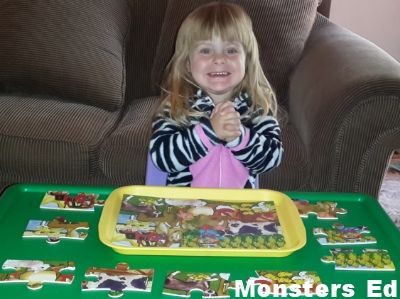
Pixie is now building a 9 piece puzzle with very little assistance. The puzzle she has came with a full size poster that we currently use as a guide under the puzzle pieces. Once she has mastered building the puzzle without any assistance, I will take the poster away.

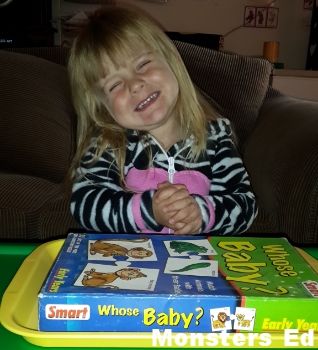
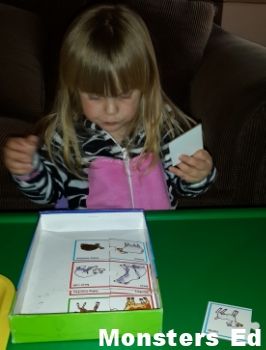
 photo 20140425_101824_zpslf9ue2bt.jpg photo 20140425_101706_zpsaod48t2g.jpg photo 20140425_101809_zpsxhvgknli.jpg

She is definitely a little puzzle monster. These have been so much fun for her. She didn’t struggle matching the baby and parent animals at all!

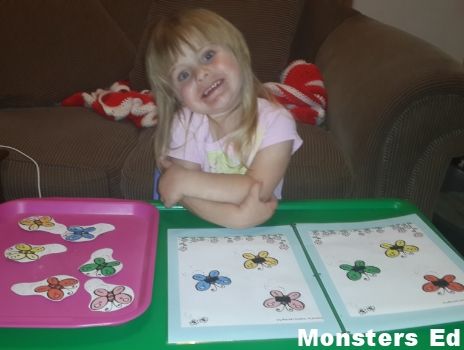
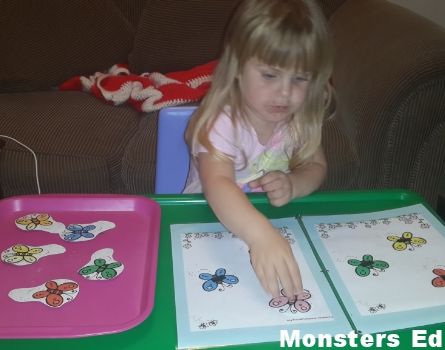
 photo 20140425_102427_zpsq2p0upfk.jpg photo 20140425_102857_zpsknzvljrr.jpg

She loved the butterfly colour matching activity too. She did this activity over and over again 🙂

 photo 20140423_170541_zpstaz0o6gn.jpg photo 20140423_170553_zpsdeo13nta.jpg

A new activity I made this week, was the fine motor kebab stick. I made holes into a plastic bottle lid and showed her how to push the sticks through the hole. The sticks are a tight fit and she had to work to get them to go into the hole. She didn’t enjoy this activity very much and only did it once. I’ll put it away and include it again in a week or two.

 photo 20140423_171150_zps68bz3xbr.jpg

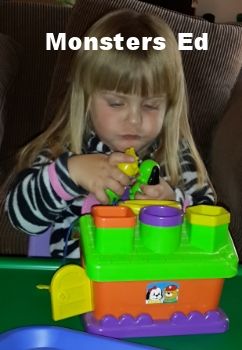
I just love watching her play with the dinosaur sensory box and her Animal Barn shape set. I love how she makes the animals kiss ♥

 photo 20140423_171743_zpstjsoqlka.jpg photo 20140423_172740_zpsajzhfpsf.jpg

 photo 20140425_103701_zps0as74qw2.jpg photo 20140425_103719_zpsvcvkt2ht.jpg

Of course we couldn’t have the sensory box out without a little mess, LOL

 photo 20140423_174311_zpsskseogil.jpg

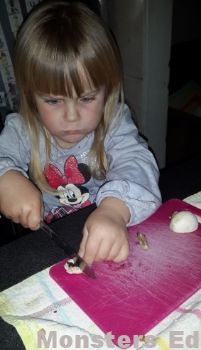
I let Pixie cook with me for the first time this week, she got to cut the mushrooms for our dinner. She loved it and cut quite a few. Just look at the concentration!

 photo 20140424_173517_zpsryvygkfv.jpg photo 20140424_173525_zpsbadgo317.jpg

favourite pic of the week banner

 photo 20140425_101505_zpsuqtfa7wk.jpg

monstered_sig


Privacy and Disclosure


Tot School

Teaching Greater than (>) and Less than (<)

what works for us

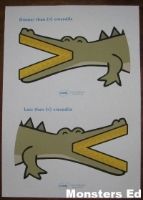
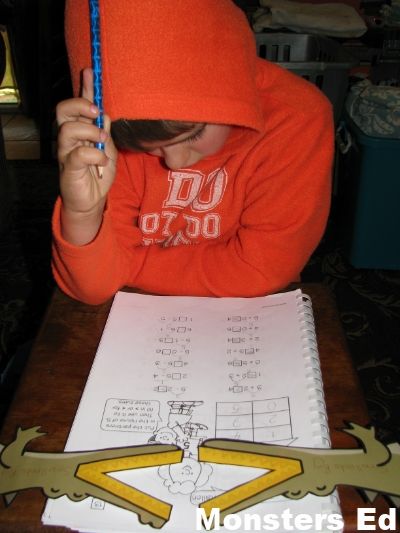
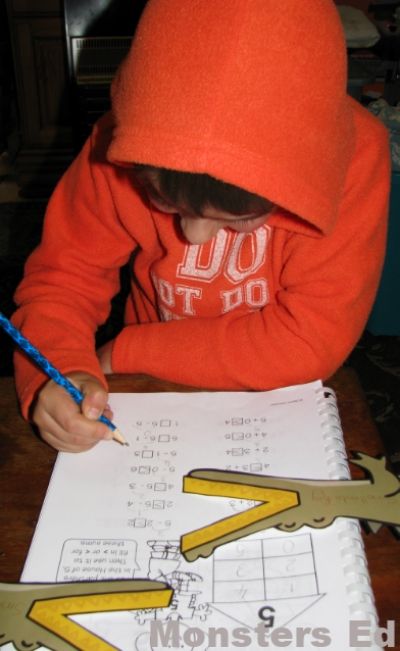
This is a concept Noo struggled with in Grade 1, so when Koko had a meltdown with the lesson on Tuesday, I knew exactly what to do. To this day, Noo remembers the simple phrase, “small eats big”. Koko is a visual learner and doesn’t always remember the phrases, so I went searching for crocodile greater and less than pictures. I found THIS perfect download at Twinkl, a UK resource site.

This is how we used this resource. I printed the crocodiles onto one page, select the page range you want to print (in this case pages 2 – 3) and select Multiple (as shown below)
1

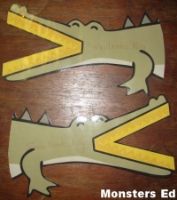
I then laminated the crocodiles for durability. I also wrote “Small eats Big” on each crocodile before laminating the sheet and cutting it out.

 photo IMG_7877_zps6bab5c52.jpg photo IMG_7881_zpsba7ef675.jpg

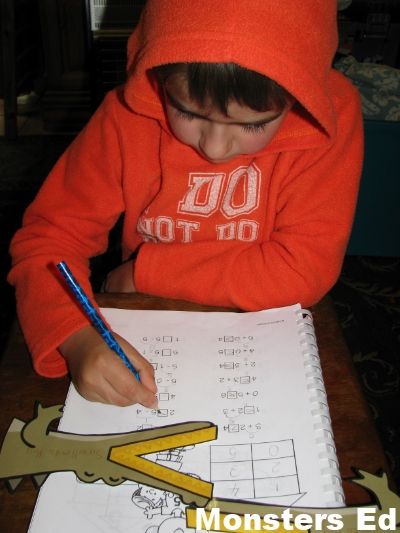
He struggled with the “small eats big” concept that Noo found easy to remember, so we changed it to suit his learning style. The small number goes on the small side of the symbol and the big number on the big side. Once he understood the significance, he aced the worksheet without any issues.

 photo IMG_7883_zps07fefedd.jpg
 photo IMG_7885_zps2af9b206.jpg
 photo IMG_7884_zps690f539f.jpg

Its easy to forget that each child is an individual and that children learn differently. The onus is on us, as the teacher and parent, to learn how each child thinks and learns. Koko is a very literal child, small eats big just didn’t work with him, he didn’t see the image I was trying to create. However, explaining to him that the small number was the head (the closed end) and the big number the mouth (the open end) of the symbol, made perfect sense to him. Though he hasn’t completely mastered this concept just yet, he understands how to use the crocodile manipulatives now. I can see us using this manipulative for quite a few lessons.

monstered_sig


Privacy and Disclosure

What’s in the Workbox Wednesday #2 ~ Pixie’s Tot Trays

banner

~Pixie is 32 months old~

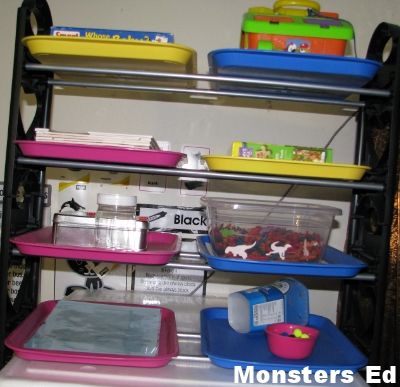
Pixie’s trays are all stored on a portable shoe rack. It works like a charm and is light enough to move out of the way when she is done (and to keep her out of the messy trays, LOL).

Pixie currently has 8 trays
Her trays get changed weekly with new activities on most of the trays every week.
 photo IMG_7876_zps5770d01b.jpg

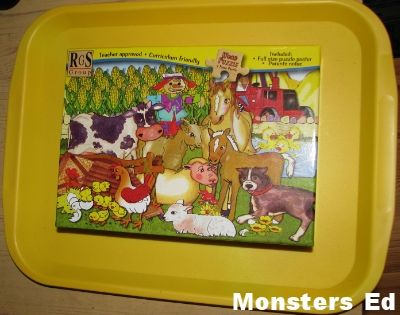
Tray 1 – Yellow
9 Piece farm puzzle
 photo IMG_7865_zpsc34d2b83.jpg

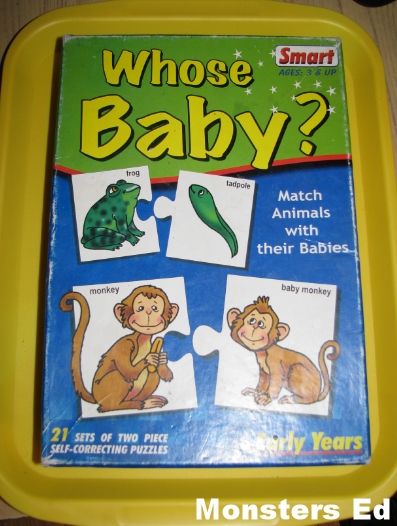
Tray 2 – Yellow
Whose baby? Puzzle
 photo IMG_7866_zps2e29c25e.jpg

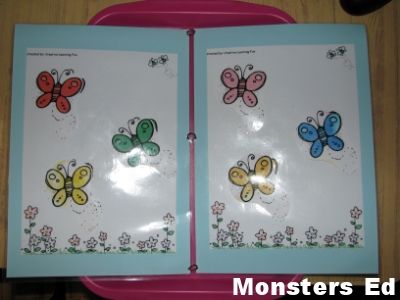
Tray 3 – Pink
Butterfly colour matching (This particular item is no longer available).
 photo IMG_7875_zps7dc56eee.jpg

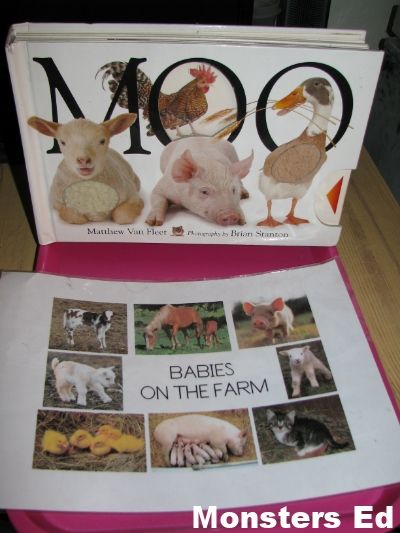
Tray 4 – Pink
Farm animal tray with the Moo! book and Babies on the farm poster
 photo IMG_7867_zps1bbd4a24.jpg

Tray 5 – Pink
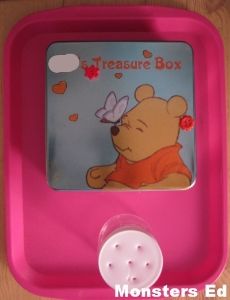
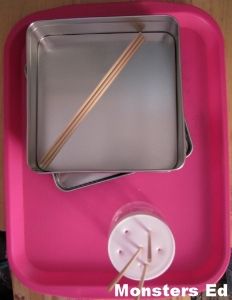
Kebab sticks in a bottle. Pixie got this Treasure box for her 2nd birthday and its the perfect storage box for the sticks.
 photo IMG_7870_zpsb7267393.jpg photo IMG_7871_zps814102e4.jpg

Tray 6 – Blue
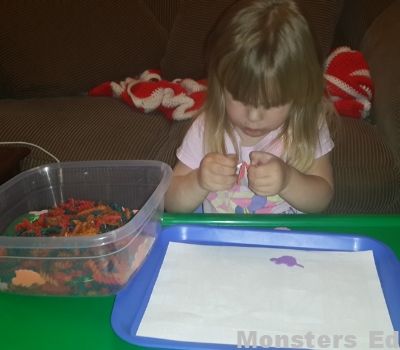
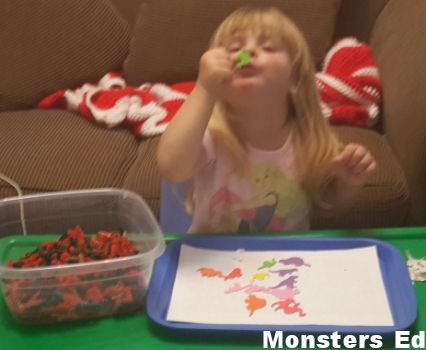
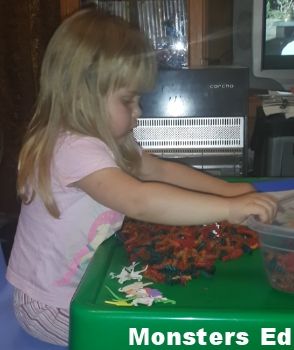
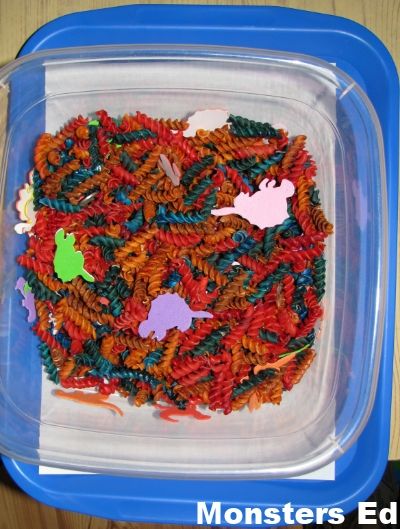
Pasta sensory box with dinosaur stickers. I include a page every day. She loves dinosaurs, so this is one of her favourite trays.
 photo IMG_7872_zps5e1ff3b9.jpg

Tray 7 – Blue
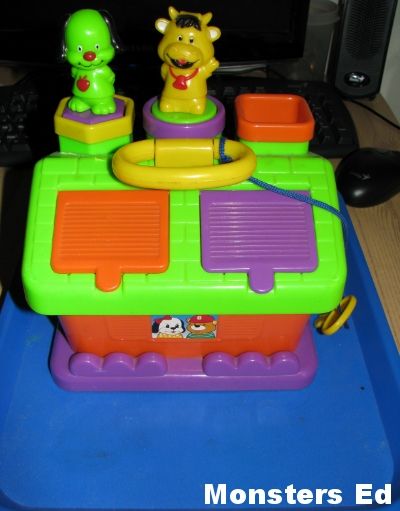
Barn/Farm house shapes
 photo IMG_7873_zps3dbb75b9.jpg

Tray 8 – Blue
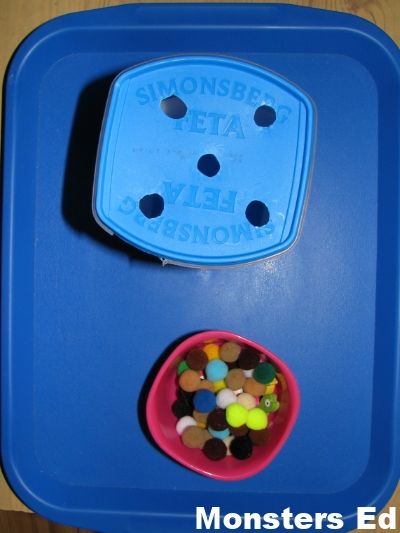
Pompom fine motor activity
 photo IMG_7874_zpse65affd8.jpg

monstered_sig


Resources:
All workbox posts on Monsters Ed
All Tot Tray posts on Monsters Ed
Sue Patrick’s Workbox System
Workboxes on 1+1+1=1. This is where I got our inspiration back in the day for Noo.
Preschool Work Trays
Tot Tray Ideas for Tot School from 1+1+1=1

Privacy and Disclosure

Happy 12th Birthday Noo

happybirthdaymonster
happy birthday

monstered_sig


Digital scrapbook items by:

Royanna Lea Fritschmann

  • Divine Digital, Founding Partner – www.divinedigital.com
  • Designer Muse – My Digital Muse – www.mydigitalmuse.com


Privacy and Disclosure