Poppins Book Nook ~ Treasure Island {Part 1}

Poppins Book Nook main image 2014 - 2015

Treasure Island (Classic Starts) By Robert Louis Stevenson

Treasure Island (Classic Starts)
By Robert Louis Stevenson

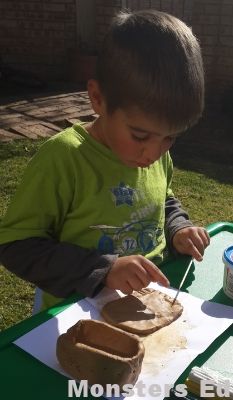
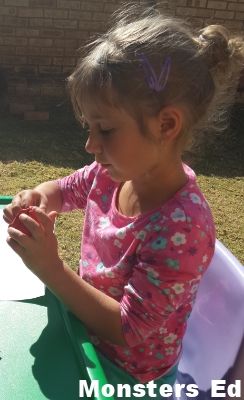
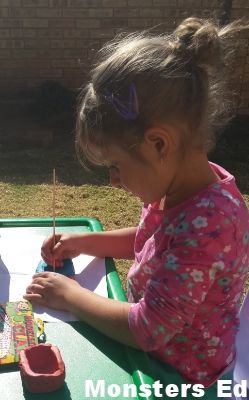
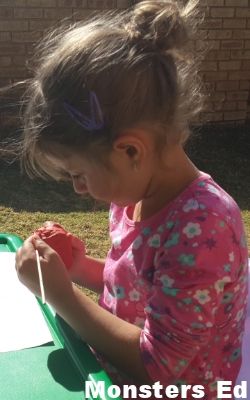
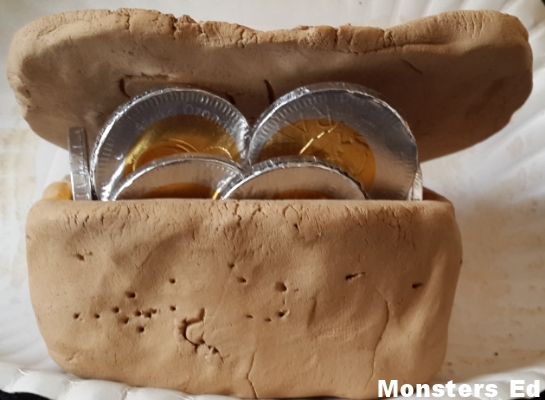
For the next two months we are reading Treasure Island by Robert Louis Stevenson. I decided to do a double month of this book seeing as the themes we have for June and July are “The Great Outdoors” and “Ye Old Pirates”. There are so many different activities that can be done with this book. This month we spent 99 % of our dedicated book club time reading the book and when we were done with the theme, the kids made treasure boxes with modelling clay (Fifi) and air drying clay (Koko).

kidazzle

Koko and Fifi are monthly subscribers of the Kidazzle Kids Craft Club and they receive awesome arts and crafts kits every month. Last month they received a modelling clay kit and it was perfect for our Book Nook theme this month. How is that for timing?
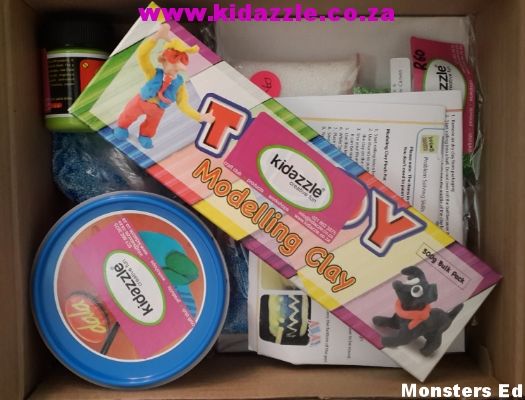
 photo 20140623_134500_zpseuuy2mzz.jpg

We spent one afternoon out in the warm sun making their treasure boxes. Pixie was napping at this point and the kids could sit and work leisurely without having the little monster causing chaos.
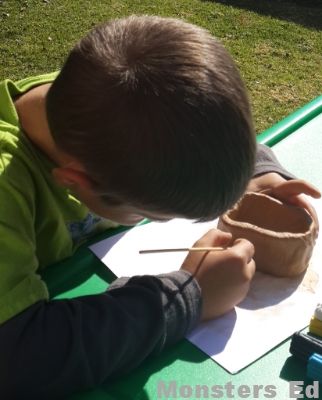
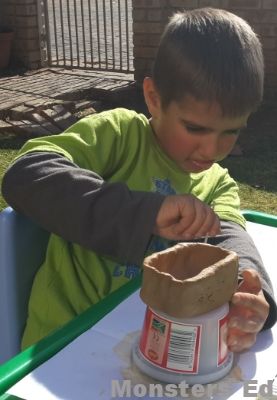
 photo 20140623_135355_zpstxiqjmwe.jpg

 photo 20140623_135601_zpsrsxobmil.jpg

 photo 20140623_140030_zps4ww52ws3.jpg

Koko drew the treasure map on the lid of his treasure box
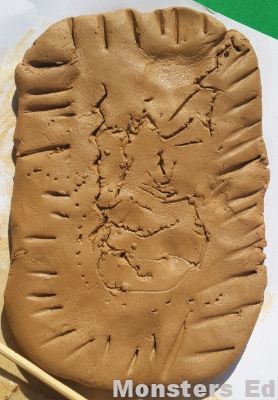
 photo 20140623_140745_zpselxku5lx.jpg

 photo 20140623_135357_zpsgyzvzmtt.jpg

 photo 20140623_140033_zps2hxwh16r.jpg

 photo 20140623_135604_zpspjqkhwut.jpg

Its a little to cold here and air drying the boxes would have taken forever. Koko’s baked perfectly while this was Fifi’s box. Modelling clay CANNOT be put in the oven. This picture was taken 5 minutes after putting it into a low oven. Her new box is still drying, I will feature it next month. *face palm*
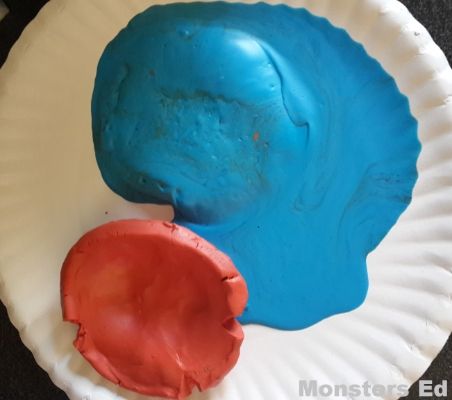
 photo 20140623_142823_zpsq2puv11q.jpg

Koko’s treasure box. He decided to leave it unpainted to make it look dirty since it was supposedly buried for a long time.
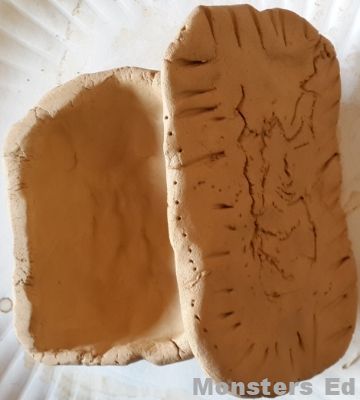
 photo 20140630_133422_zpsslnfpkvu.jpg

Koko’s treasure box with treasure.

 photo 20140630_133503_zpsrmqlbklr.jpg

Be sure to check in again next month to see the activities I have planned as we continue to navigate the pirate infested waters!

monstered_sig


Previous Poppins Book Nook posts:
May 2014: How Old Jackal got the Pigs {African Folktale}
April 2014: The Story of Cars
March 2014: Alice in Wonderland
February 2014: 2014/2015 Introductory post
July 2013: Penguins
June 2013: The Amazing Machines a Truckload of Fun
May 2013: Dinosaurs
April 2013: The Wonderful Wizard of Oz
March 2013: Princess Petunia and the Good Knight
2013/2014 Introductory post

Poppins Book Nook


Privacy and Disclosure

2014/2015 Curriculum ~ We have a plan!

curriculumchoicesbanner

The decisions have been made! After many a sleepless night, I have finally come to a decision on what we are going to be using next year. Here is the run down of what we’ll be purchasing over the next few months:

English
Koko: Learning Language Arts Through Literature – Red Book
Fifi: Teach Your Child to Read in 100 Easy Lessons
Clonard Grade R Readers

Mathematics
Koko: Math-U-See Alpha
Fifi: Math-U-See Primer

Handwriting
Koko: Italics B
Italics C
Fifi: Italics A

History
Koko and Fifi will be working together here:
Story of The World Volume 1
Story of The World Volume 1: Ancient Times Book List
I have decided that we are going to do a chapter a term (every 3 months). That way we can put our full attention to each chapter and not feel pressured to finish all the work, activities and books I want to cover for each ancient civilisation.

Geography
Koko and Fifi will be working together here:
Pack Your Bags! Monthly Lapbook Series
Children of the World Pack

Science
Koko and Fifi will be working together here:
We will be covering Anatomy next year and utilising the How Your Body Works that were gifted to us by a good friend.

Art
Koko and Fifi will be working together here:
ARTistic Pursuits Early Elementary K-3 Book One
ARTostoc Pursuits Art Supply Packs

monstered_sig


Privacy and Disclosure

Technology Tuesday #4 ~ Computer, keyboard and peripheral information for children

technologytuesdaylinkupbanner

Papa Steve is a software engineer, ie computer programmer, and Koko has been very interested in what he does at work. Recently Papa started teaching Koko how to program on a simple, and free, Linux program called KTurtle.

In a bid to help Koko, and the other children, learn the correct PC jargon, I decided to download a few resources to make the learning process easier. My children are all visual learners to a certain extent, so this is working well.
ICT topic word cards

Computer keyboard sheets

ICT resource labels
ICT resource labels

I will ask Papa Steve to do a write up on exactly what he is doing with Koko during the lessons. Programming is definitely not one of my strong suits.

I would like to invite you all to link up your technology related posts. Be it games, blogging advice/resources, technology based learning or reviews, etc. The only requirements are that the post focuses on technology and is family friendly.

technologytuesdayfeatured

monstered_sig


technologytuesdaylinkupguidlinebutton

Welcome! Please make sure to link directly to your post (not your main blog page) so we can find the fabulous post you want to share. Each week we will select someone’s blog link up that our readers “clicked” with the most and share some of my favourite posts that were linked up!

Monsters Ed Technology Tuesday

Please make sure to display our Technology Tueday Button button on your blog post, sidebar or tabs. This button can be found on the Technology Tuesday post each week. Kindly make sure to visit some of the other wonderful bloggers who have linked up here.

Were you featured on our Technology Tuesday post? Congratulations! Grab a Featured button to proudly display on your blog or website.
Thank you!

Monsters Ed Technology Tuesday

We invite everyone to get “clicking” and have some blog hopping fun!

We have created a Pinterest Board so that we can help spread the word on the blog’s that have had featured posts on our Techology Tuesday posts. Make sure to stop by and check it out HERE.

Please share your family friendly posts with us!

By linking up you agree that if your blog post is selected to be featured on any of our hosts’ blogs that we can use an image from your post with a link back to your post.

technologytuesdayprevious posts

#1 ~ DIY Windmills: Tutorial
#2 ~ K5Learning Review
#3 ~ Time4Learning Review
Privacy and Disclosure

Teaching Greater than (>) and Less than (<)

what works for us

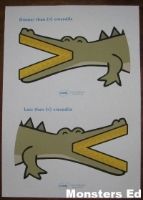
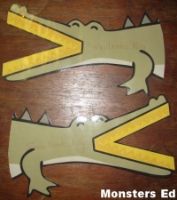
This is a concept Noo struggled with in Grade 1, so when Koko had a meltdown with the lesson on Tuesday, I knew exactly what to do. To this day, Noo remembers the simple phrase, “small eats big”. Koko is a visual learner and doesn’t always remember the phrases, so I went searching for crocodile greater and less than pictures. I found THIS perfect download at Twinkl, a UK resource site.
This is how we used this resource. I printed the crocodiles onto one page, select the page range you want to print (in this case pages 2 – 3) and select Multiple (as shown below)
1

I then laminated the crocodiles for durability. I also wrote “Small eats Big” on each crocodile before laminating the sheet and cutting it out.

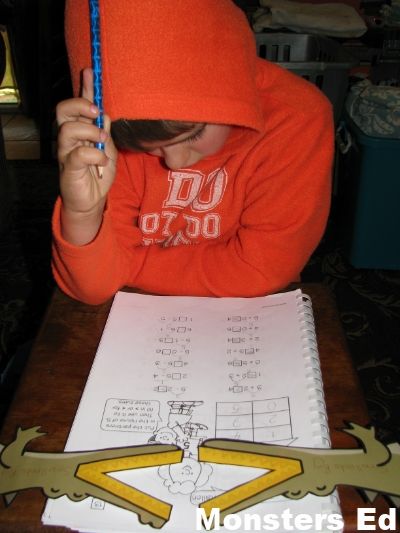
 photo IMG_7877_zps6bab5c52.jpg photo IMG_7881_zpsba7ef675.jpg

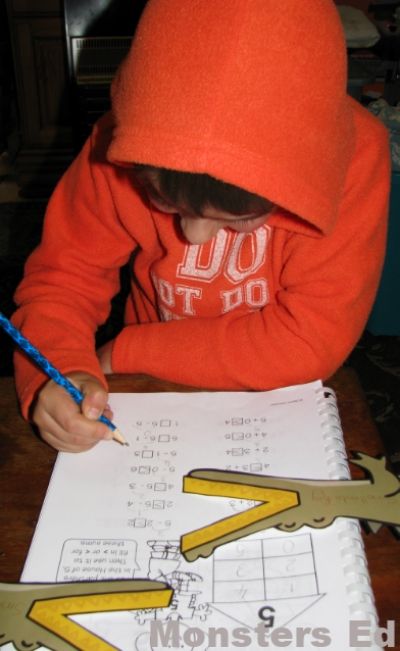
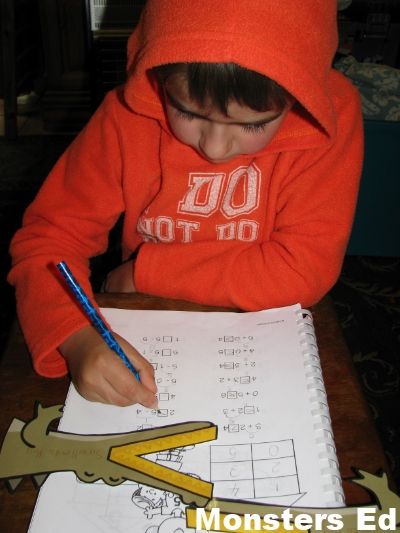
He struggled with the “small eats big” concept that Noo found easy to remember, so we changed it to suit his learning style. The small number goes on the small side of the symbol and the big number on the big side. Once he understood the significance, he aced the worksheet without any issues.

 photo IMG_7883_zps07fefedd.jpg
 photo IMG_7885_zps2af9b206.jpg
 photo IMG_7884_zps690f539f.jpg

Its easy to forget that each child is an individual and that children learn differently. The onus is on us, as the teacher and parent, to learn how each child thinks and learns. Koko is a very literal child, small eats big just didn’t work with him, he didn’t see the image I was trying to create. However, explaining to him that the small number was the head (the closed end) and the big number the mouth (the open end) of the symbol, made perfect sense to him. Though he hasn’t completely mastered this concept just yet, he understands how to use the crocodile manipulatives now. I can see us using this manipulative for quite a few lessons.

monstered_sig


Privacy and Disclosure

What’s in the Workbox Wedensday #1 ~ Koko’s Workboxes

banner

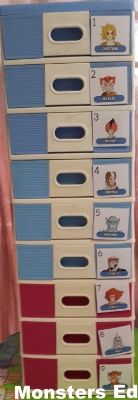
Koko currently has 9 workboxes. Our routine pretty much stays the same every day, with slight variations during the week.

He currently has a mix of blue and pink drawers. I am waiting for the supplier to get their stock in so I can go get two more blue sets (3 drawers per set) for Koko and 3 pink sets for Fifi.

 photo 20140415_160024_zpsj62w6dbp.jpg

This is what he has in his workboxes today:

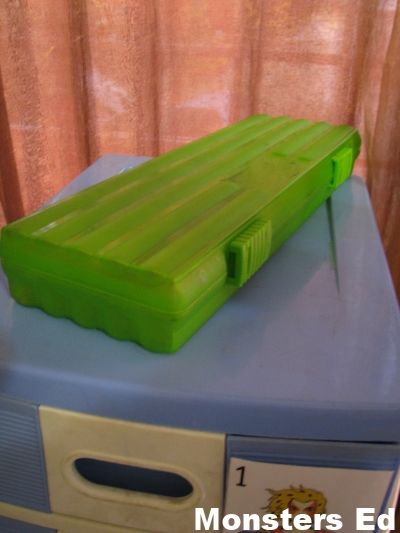
On top of the workboxes, is his pencil box with all his stationery
 photo IMG_7850_zpsc740286d.jpg

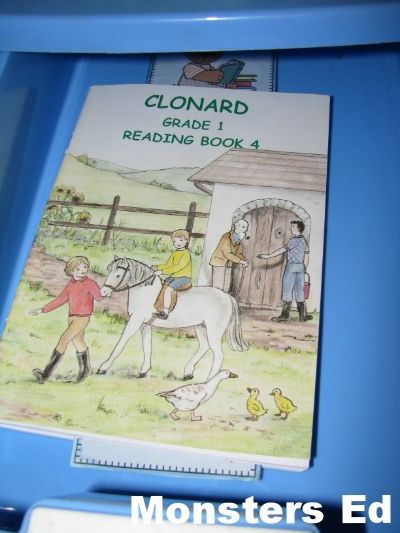
Box 1
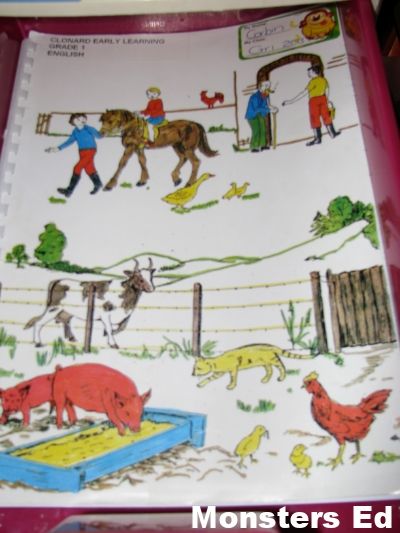
Clonard: Reading Book 4
 photo IMG_7853_zpsbd93c737.jpg

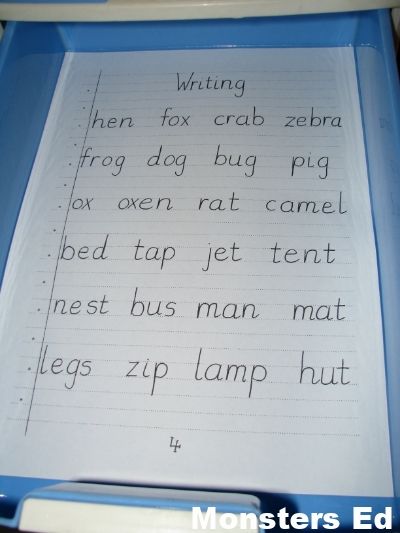
Box 2
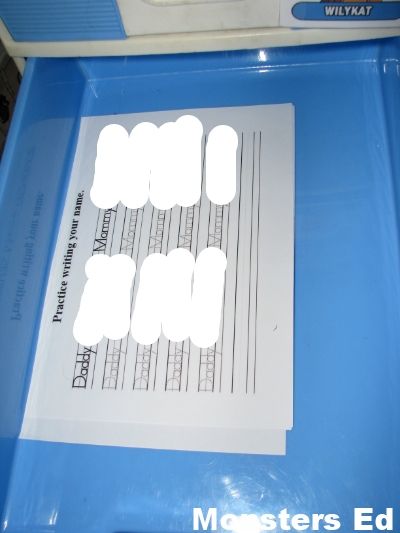
Clonard: Writing Sheet
 photo IMG_7854_zps0cd2b420.jpg
Box 3
Daddy and Momma’s contact numbers worksheet
 photo IMG_7855_zpsa91eedfb.jpg

Box 4
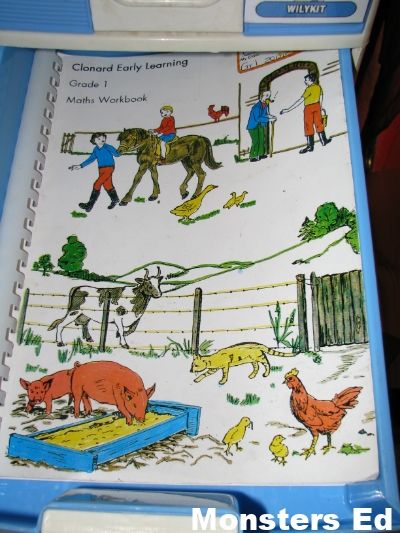
Clonard: Maths Workbook
 photo IMG_7856_zps9a5169c9.jpg

Box 5
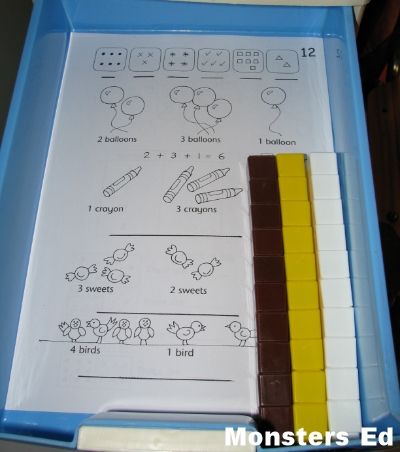
Clonard: Maths Worksheets & Manipulatives
 photo IMG_7857_zps29557857.jpg

Box 6
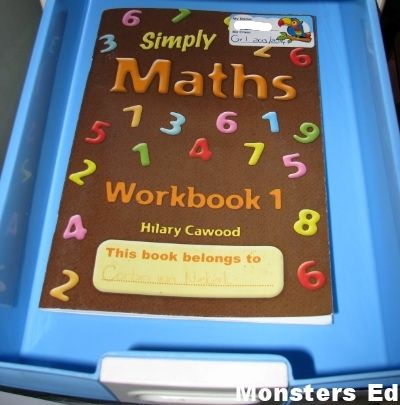
Clonard: Simply Maths
 photo IMG_7858_zpsf03cf712.jpg

Box 7
Clonard: English Workbook
 photo IMG_7859_zps782cdecc.jpg

Box 8
Group activity with Fifi
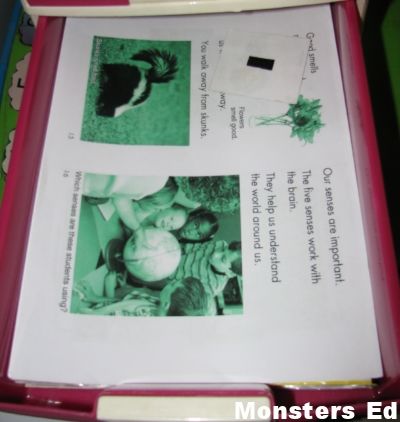
Science: 5 Senses
 photo IMG_7860_zpsb5fa4971.jpg

Box 9
Story time for Fifi and Pixie
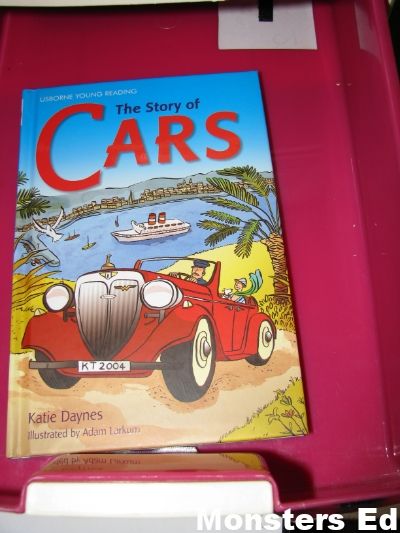
Narration: The Story of Cars
 photo IMG_7861_zps7cb1e226.jpg

I’m still in the process of purchasing Fifi’s workboxes. Her boxes will feature as soon as they have arrived and have been set up. I will also be featuring Pixie’s Tot Trays from time to time.

monstered_sig


Resources:
All workbox posts on Monsters Ed
All Tot Tray posts on Monsters Ed
Sue Patrick’s Workbox System
Workboxes on 1+1+1=1. This is where I got our inspiration back in the day for Noo.
Preschool Work Trays
Tot Tray Ideas for Tot School from 1+1+1=1
Privacy and Disclosure

Technology Tuesday Linkup #1 ~ DIY Windmills: Tutorial

technologytuesdaylinkupbanner


Welcome to our new Technology Tuesday Linkup! I would like to invite you all to link up your technology related posts. Be it games, blogging advice/resources, technology based learning or reviews, etc. The only requirements are that the post focuses on technology and is family friendly.

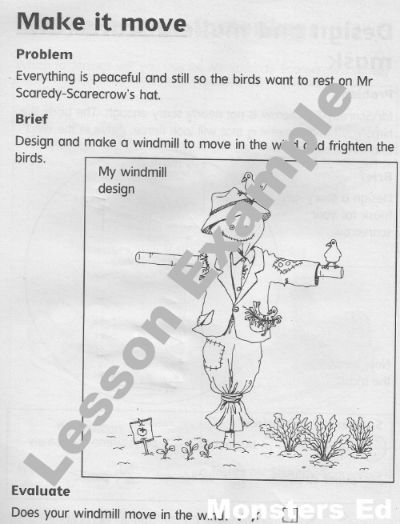
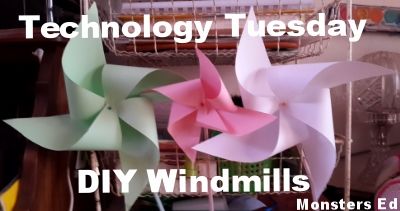
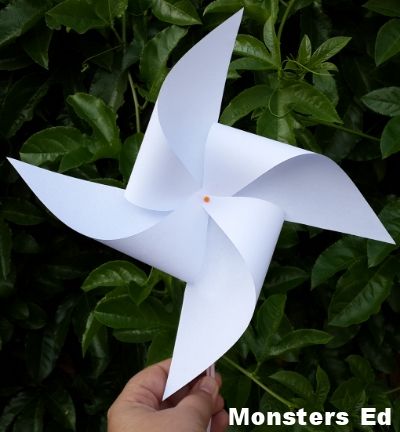
Today we made little windmills for our Technology lesson. We are using the book, Technology Activity Book: Grade 1: the Garden (Technology Activity Books), also available on Kalahari.com, this year for Technology. It came with our Grade 1 Curriculum. This particular lesson focussed on designing and “building” a windmill.

 photo 0b31c6a1-eff1-4280-a453-861c762ca1e1_zps125ce9d5.jpg

 photo 20140408_151240_zps75hs7btk.jpg

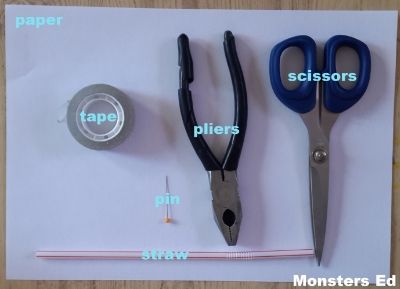
Items required:
 photo 20140408_150523_zps6hnw39os.jpg
1 Sheet of paper
Pin
Straw
Scissors
Tape
Pliers

Directions:
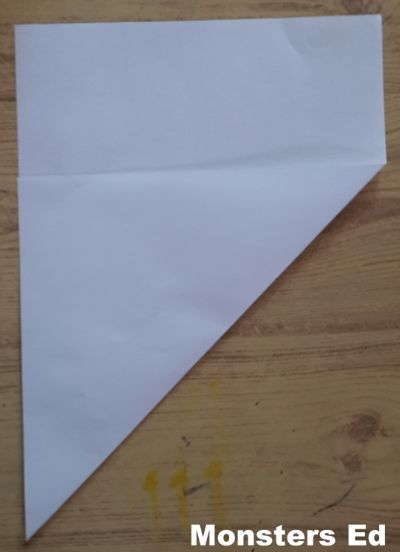
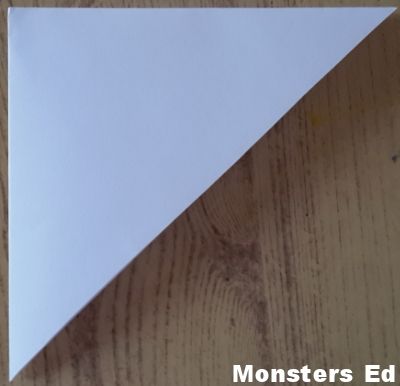
Fold your paper to make a triangle
 photo 20140408_150550_zps5r6vaqdk.jpg

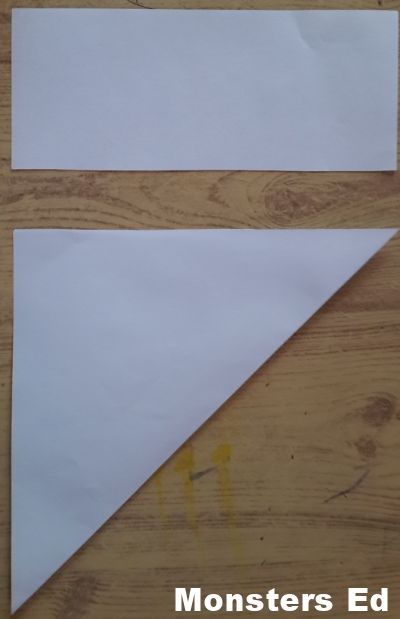
Cut off the excess rectangle
 photo 20140408_150618_zpsx4sdkntm.jpg

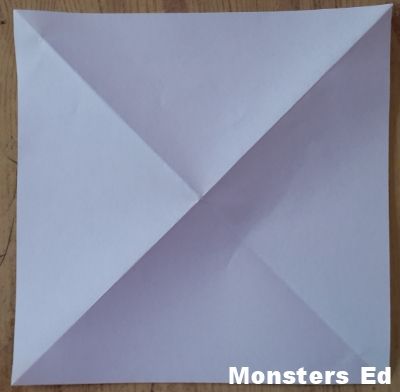
Fold your triangle in half
 photo 20140408_150713_zpsadfnkj9n.jpg

Open your triangle, you will now have a X in your square
 photo 20140408_150728_zpsa2uyu3ll.jpg

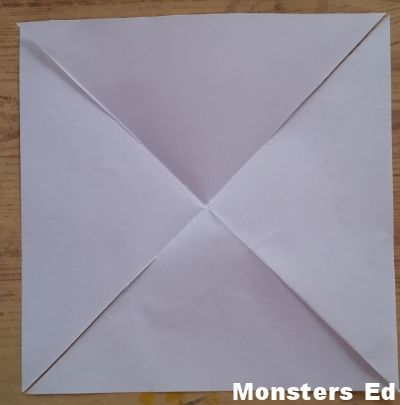
Cut on the lines of the X, three quarters between the edge and the middle of the X
 photo 20140408_150830_zpsptbpvdns.jpg

Fold over the left corner of each triangle so that they intersect in the middle of the X
 photo 20140408_150930_zpsyjlcddpc.jpg

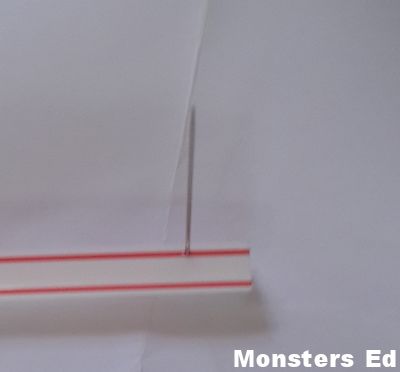
Push a pin through the intersecting points of the triangles
 photo 20140408_150951_zpsojbl0ui5.jpg

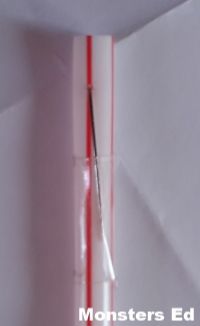
With your pliers, bend the pin over and cover with tape to protect little fingers
 photo 20140408_151033_zpsdlq9gglf.jpg

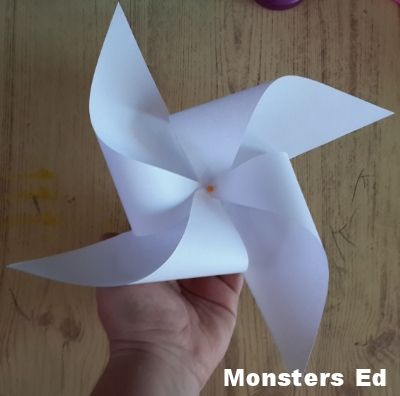
The end result? An easy toy for your littles that they can make with a little assistance
 photo 20140408_151059_zps4tvacksq.jpg

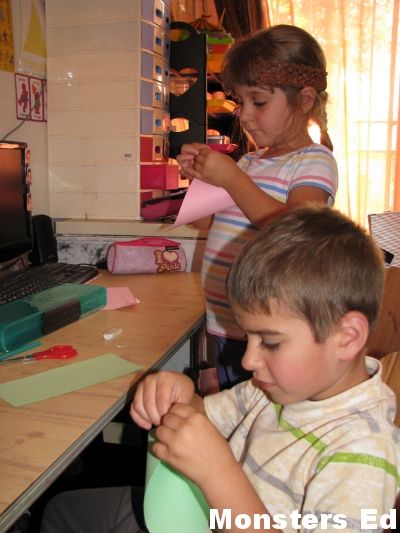
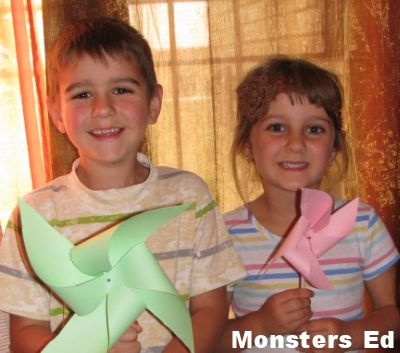
The kidlets really enjoyed this lesson and spent ages running outside making their windmills turn.
 photo IMG_7846_zps3430b4a2.jpg
 photo IMG_7847_zps8f83876b.jpg
 photo IMG_7849_zps3470a21b.jpg

monstered_sig


technologytuesdaylinkupguidlinebutton

Welcome! Please make sure to link directly to your post (not your main blog page) so we can find the fabulous post you want to share. Each week we will select someone’s blog link up that our readers “clicked” with the most and share some of my favourite posts that were linked up!

Monsters Ed Technology Tuesday

Please make sure to display our Technology Tueday Button button on your blog post, sidebar or tabs. This button can be found on the Technology Tuesday post each week. Kindly make sure to visit some of the other wonderful bloggers who have linked up here.

Were you featured on our Technology Tuesday post? Congratulations! Grab a Featured button to proudly display on your blog or website.Thank you!

Monsters Ed Technology Tuesday

We invite everyone to get “clicking” and have some blog hopping fun!

We have created a Pinterest Board so that we can help spread the word on the blog’s that have had featured posts on our Techology Tuesday posts. Make sure to stop by and check it out HERE.

Please share your family friendly posts with us!

By linking up you agree that if your blog post is selected to be featured on any of our hosts’ blogs that we can use an image from your post with a link back to your post.

Privacy and Disclosure

Hearts for Home Blog Hop